
The Swipe feature offers a quick and engaging way for members to discover potential matches one profile at a time. With a simple left or right swipe, users can easily express interest or move on—creating a smooth, addictive browsing experience.
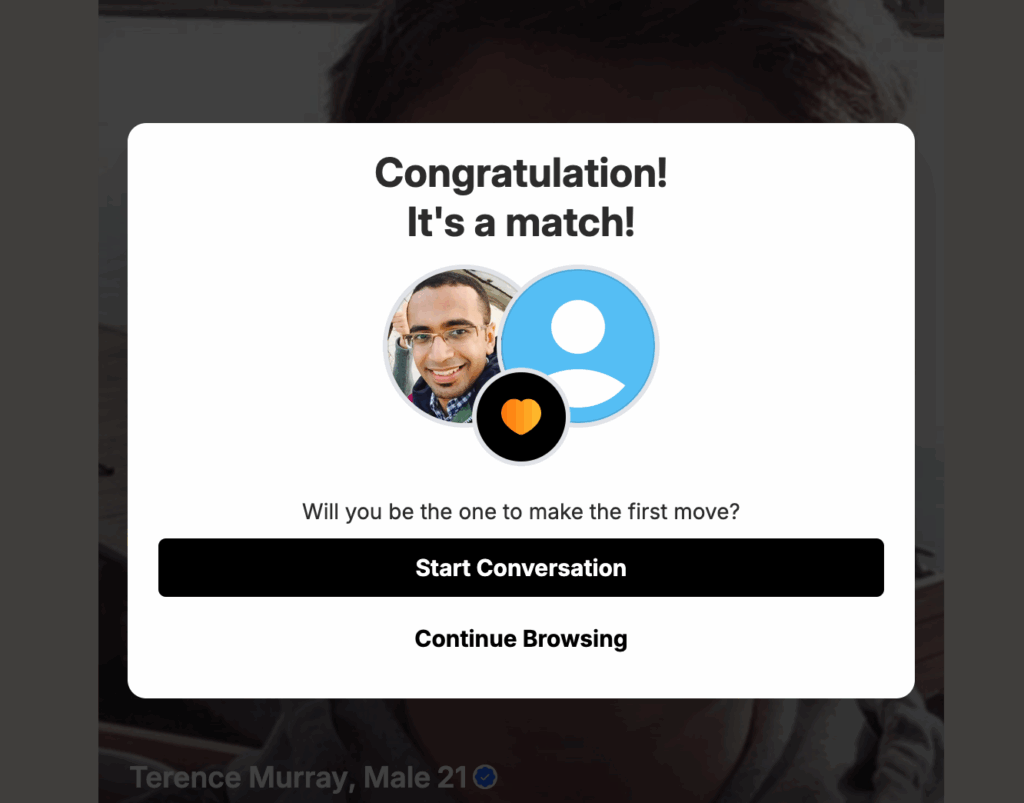
When a user swipes right, the other person receives a notification and can view their profile. If both users like each other, it becomes a match, unlocking the ability to start chatting and interacting instantly.
The Swipe page includes the same powerful filtering options as the Explore section, allowing users to narrow results by gender, age range, and detailed profile attributes. Any changes made to filters are automatically synced between Swipe and Explore, ensuring a consistent discovery experience.
To keep the experience clean and relevant, profiles that have already been liked, passed (left swipe), or matched will no longer appear—helping users focus only on new potential connections.
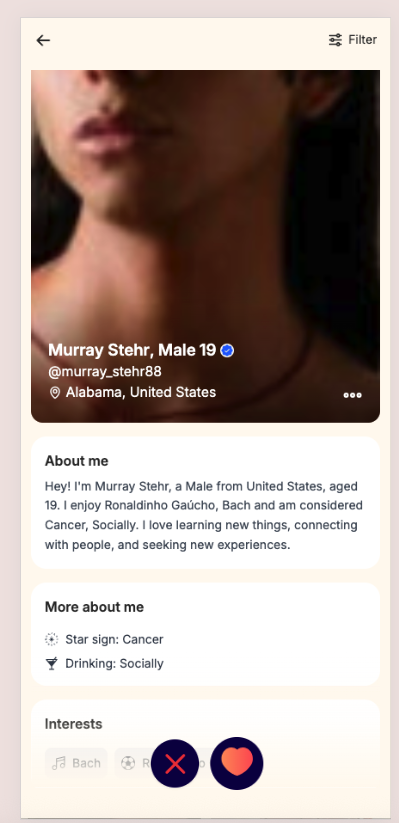
If right swipe, system will send a notification like below screenshot
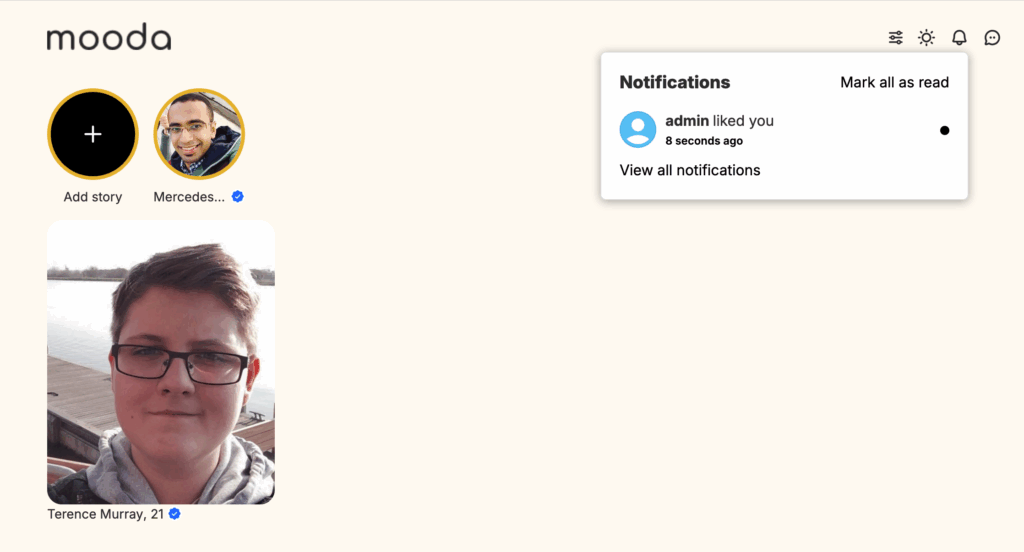
Click on a notification, system will open the profile page for you to like back if you want. If you LIKED back -> it’s a matched and system auto create a message for you to start chatting.
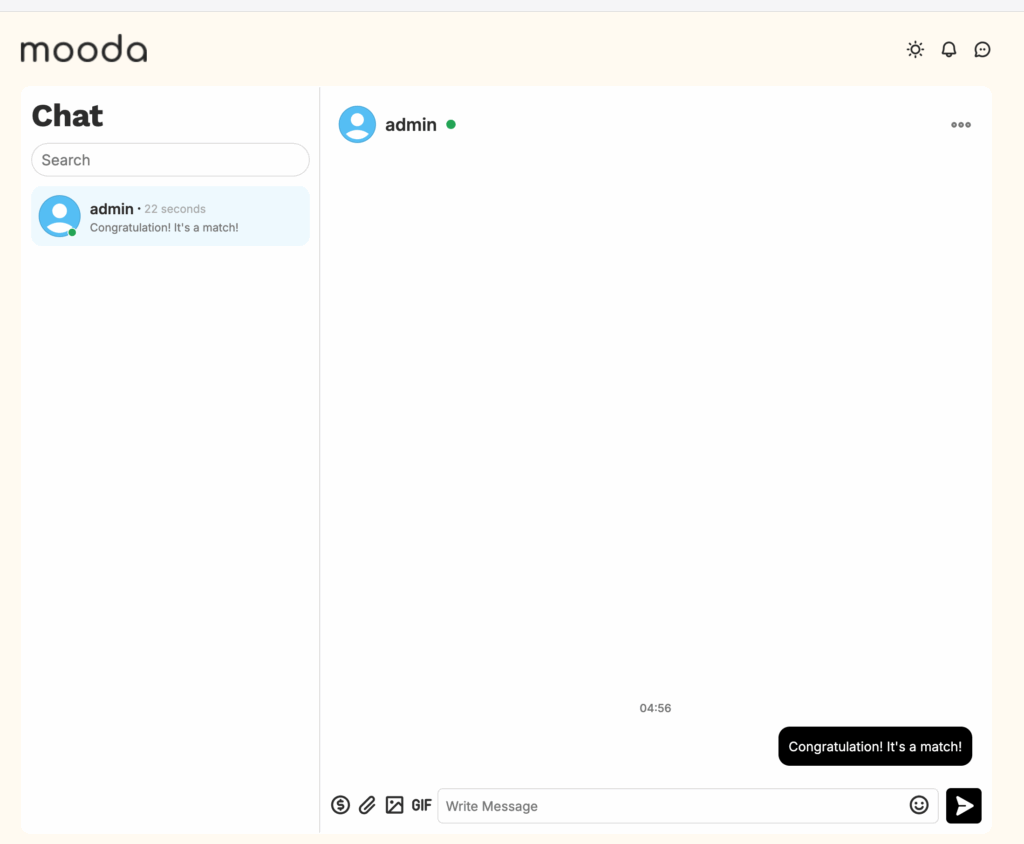
You can see list of matched profile, who liked you…at the “Matched” section.


