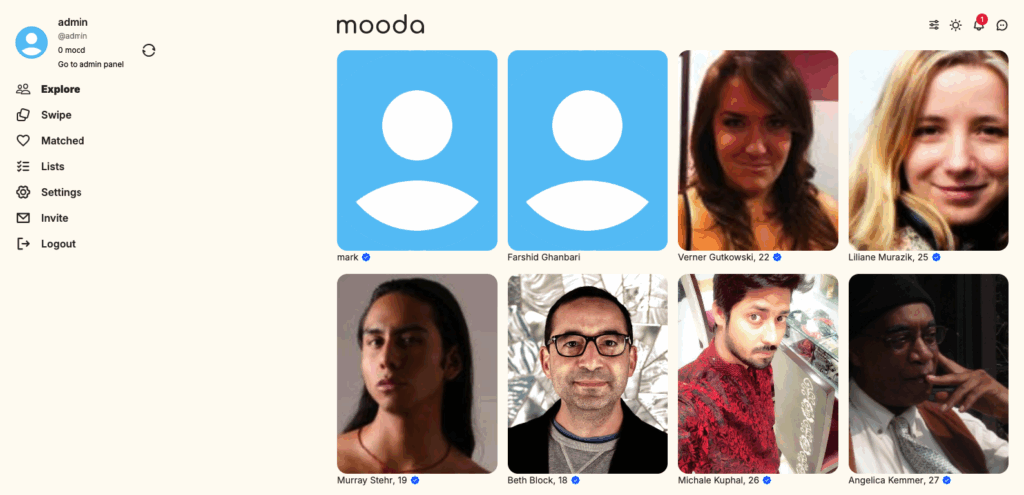
The Explore section is the main discovery hub of your platform, designed to help users to browse and connect with others. By default, it displays a wide range of profiles from across the platform, giving users instant access to potential matches.
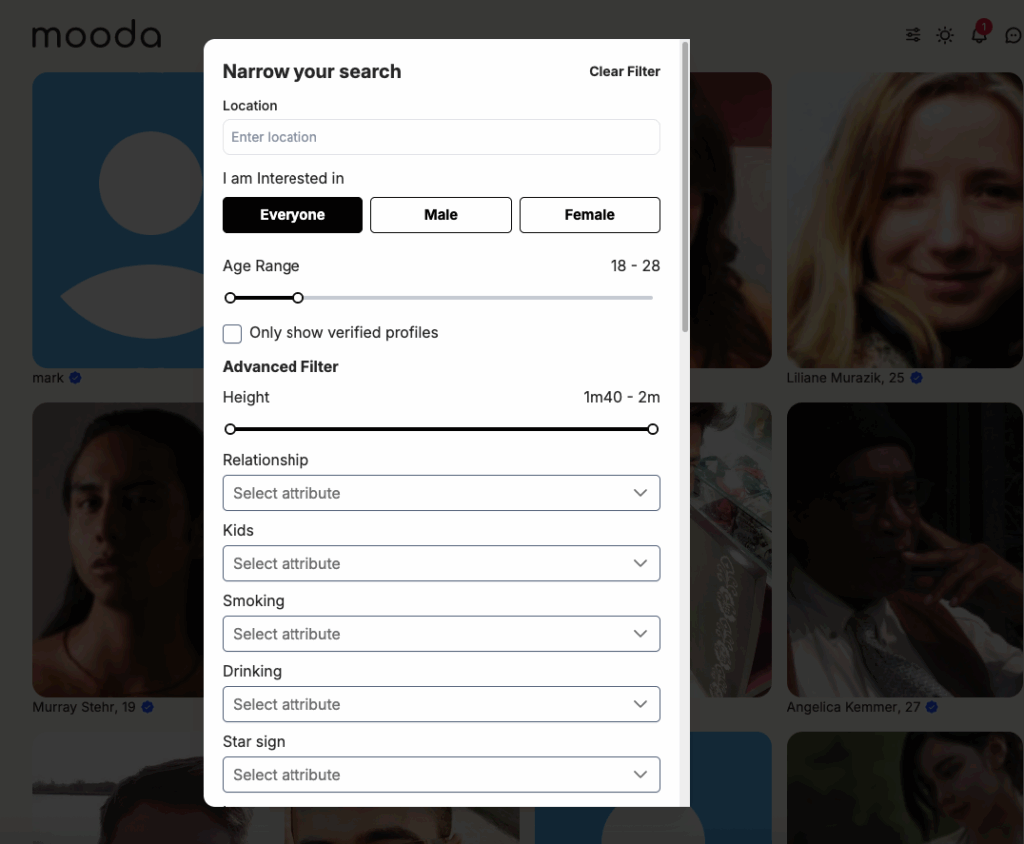
To refine their search, users can click the Filter option and narrow down results based on criteria such as location, gender, age range, and detailed profile attributes like height, children, hobbies, and more.
With a powerful yet easy-to-use filtering system, the Explore page makes it simple for users to find more relevant matches and connect with the people who matter most to them.
The explore page does not show the profile that you have already liked or skipped at Swipe section. Profiles that are matched also not appear at this page
Click on “Filter” icon to narrow down search results
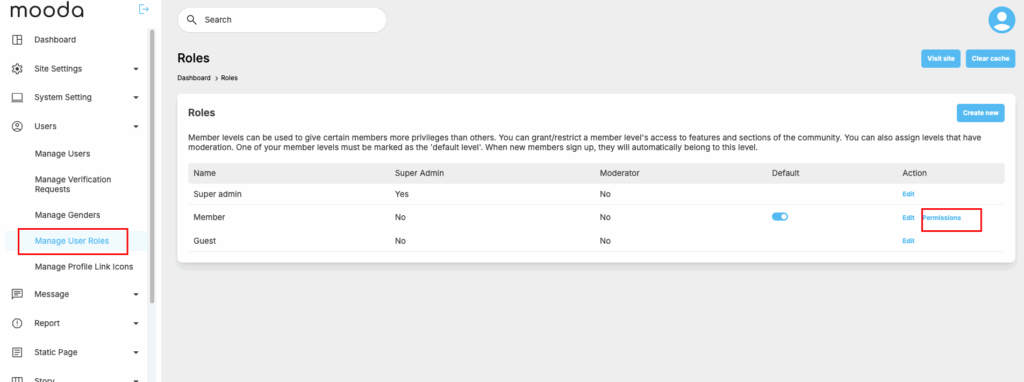
You can configure you allow only paid membership to be able to use the advance search thru users -> “Manage user roles”