
Site information is where you can edit the basic information of your site. To access this panel:
- Login to your admin dashboard
- Go to Site Setting > Site information
Website Setting
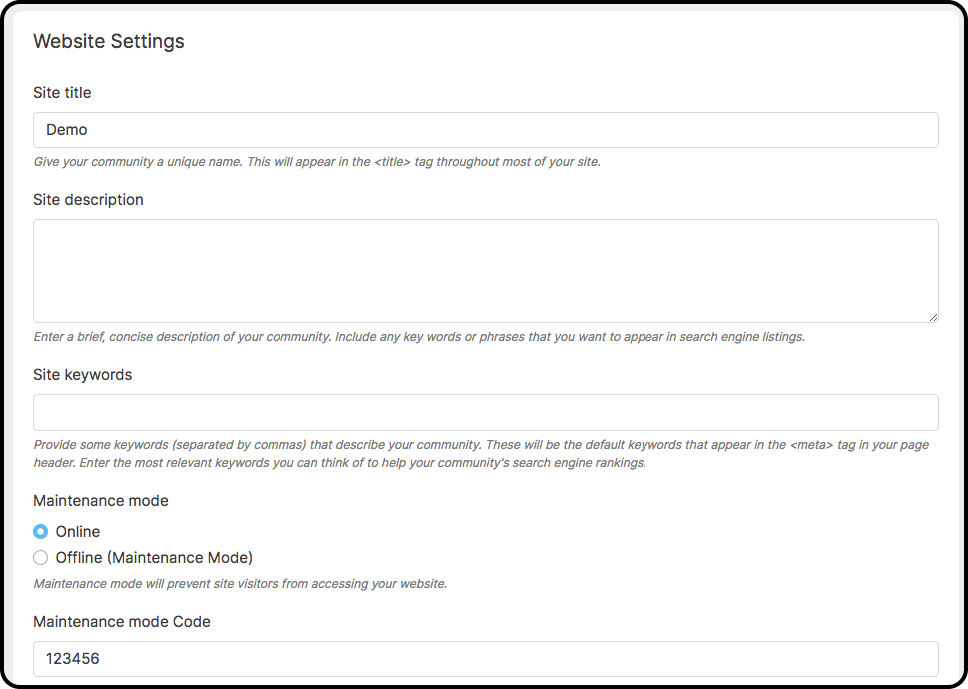
Website Settings is where you can edit site information, including:
- Site title, description and keywords
- Put your site to maintenance mode
- Set site url
- Set site email for contact us form
- Set Static file base url (Used to implement CDN hosting of static files through services such as Cloudfront.)
- Set Notification update frequency (seconds) (The application connects to your server (using AJAX) every few seconds to check if there are any new notifications. How often do you want this process to occur?)
- Set default timezone
- Header script and footer script to add third party script like google analytics…
Site Images
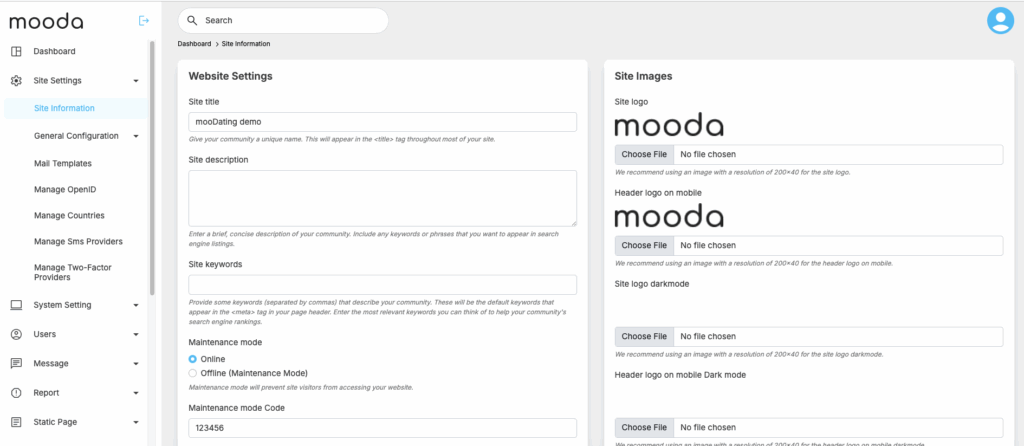
Site images is a section where you can edit
- Site logo (light mode and darkmode)
- Header logo on mobile (light mode and darkmode)
- Site og image
- Default user cover picture
- Default user profile picture
Clear global cache to check again after change is made


