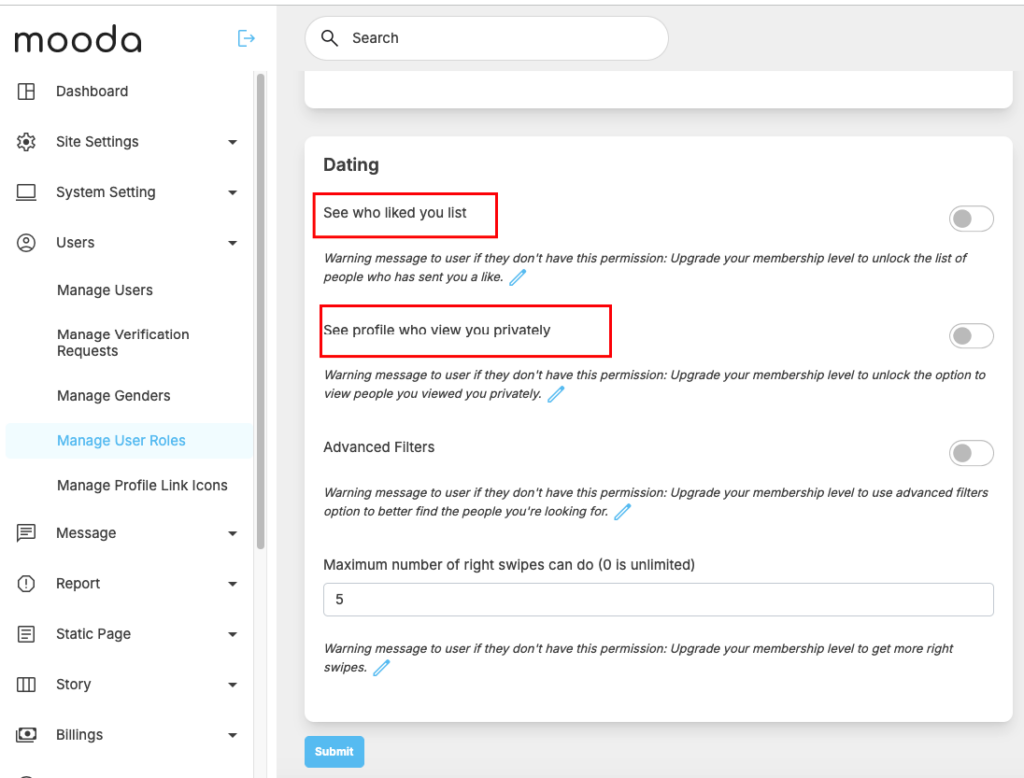
The Matches section is where users can manage their connections and track profile interactions in one convenient place. It displays a list of profiles where both users have liked each other, creating a match. For each match, users can quickly view the latest message and jump directly into conversation using the chat button.
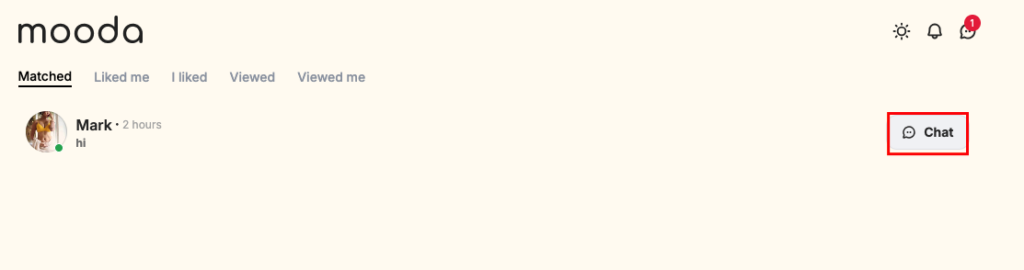
In addition to matches, this section includes several activity tabs:
- Liked Me – See who has liked your profile
- I Liked – View profiles you have liked
- Viewed – Profiles you have viewed
- Viewed Me – See who has viewed your profile
To support monetization, administrators can configure permissions to restrict access to these tabs, making them available only to paid members.
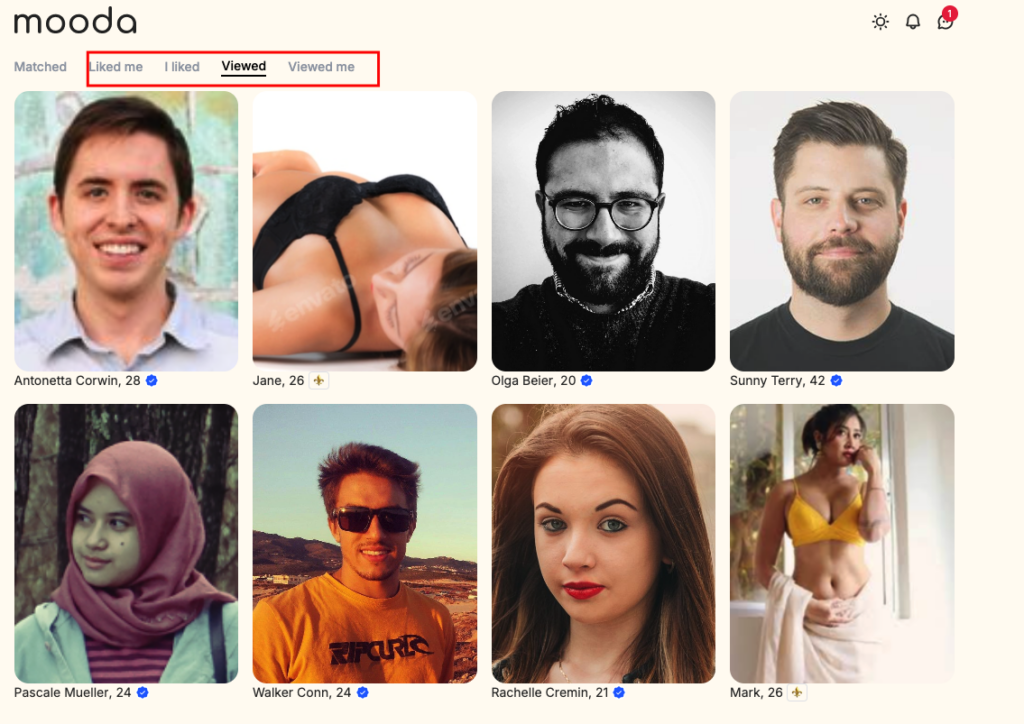
To configure permissions to restrict access to these tabs, please go to admincp -> Users -> Manage user roles then select a role that you want to configure