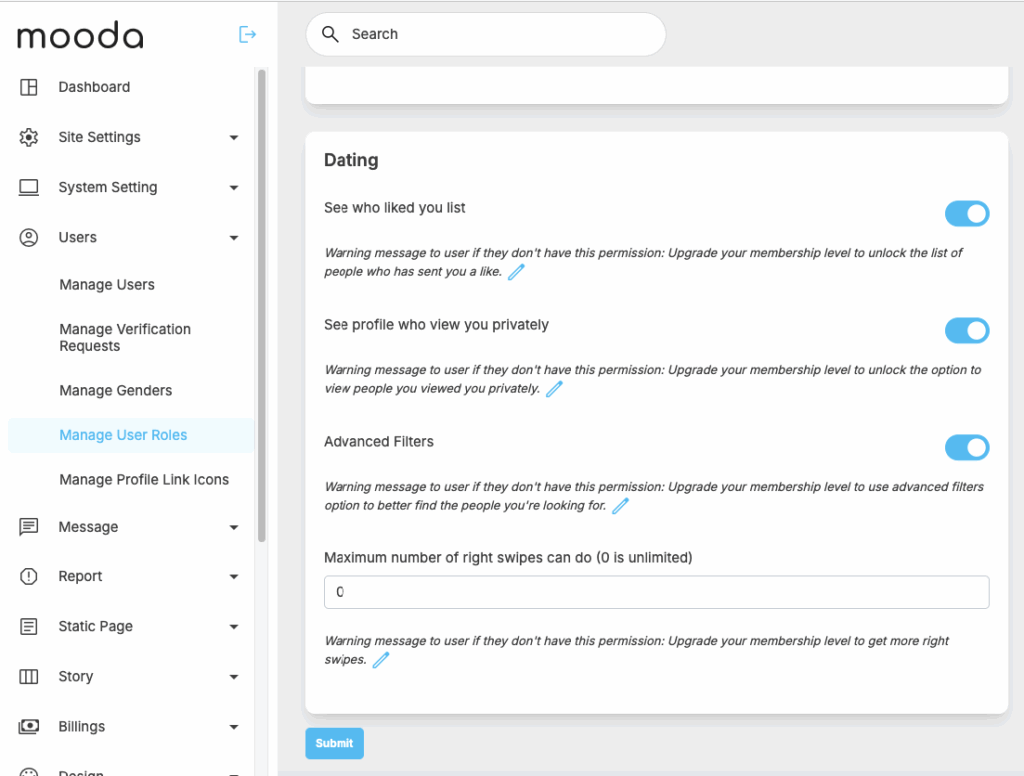
The Role & Permission Settings section gives administrators full control over what features are accessible to free and paid members. You can define detailed permissions to create different experience levels and effectively drive monetization.
Admins can configure who can access premium features such as viewing the “Liked You” list, seeing profile visitors privately, using advanced search filters, or sending chat messages. You can also control user activity limits, such as how many right swipes a member can perform.
With a wide range of customizable permissions, this feature allows you to tailor the platform experience for different membership tiers—helping you balance user engagement while maximizing revenue opportunities.
To access the settings related to dating features -> go to admincp -> Users -> manage user roles