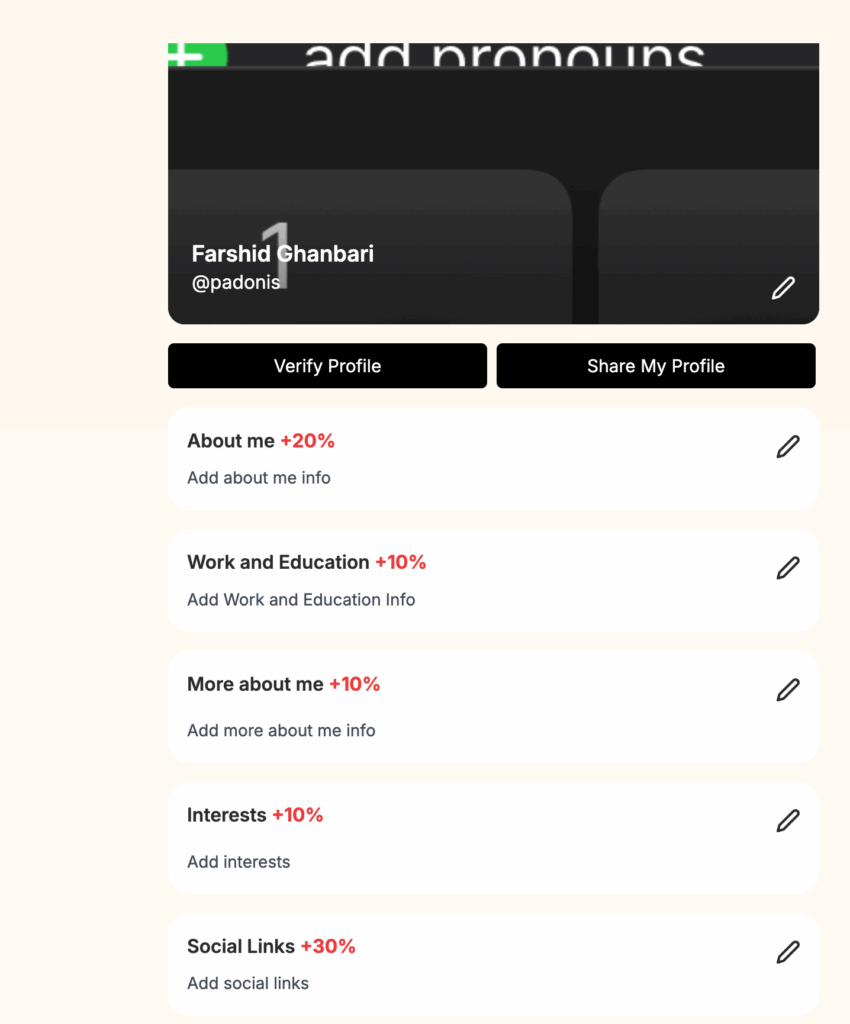
The Profile Completion feature allows administrators to encourage users to fully complete their profiles by assigning a completion percentage to each profile section. You can define how much each piece of information—such as photos, personal details, interests, and more—contributes to the overall profile completion score.
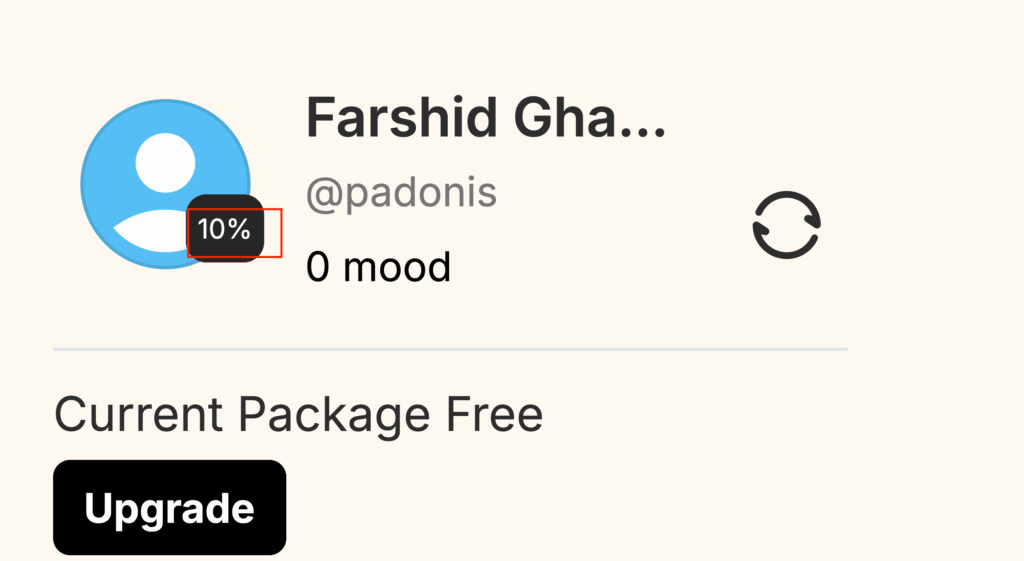
The system automatically calculates and displays the total completion percentage on the user’s main profile photo, providing a visible progress indicator that motivates users to add more information.
This feature helps improve profile quality across the platform, leading to better matches, higher engagement, and increased user trust.
To enable this option please go to admincp -> Dating -> Profile completion settings
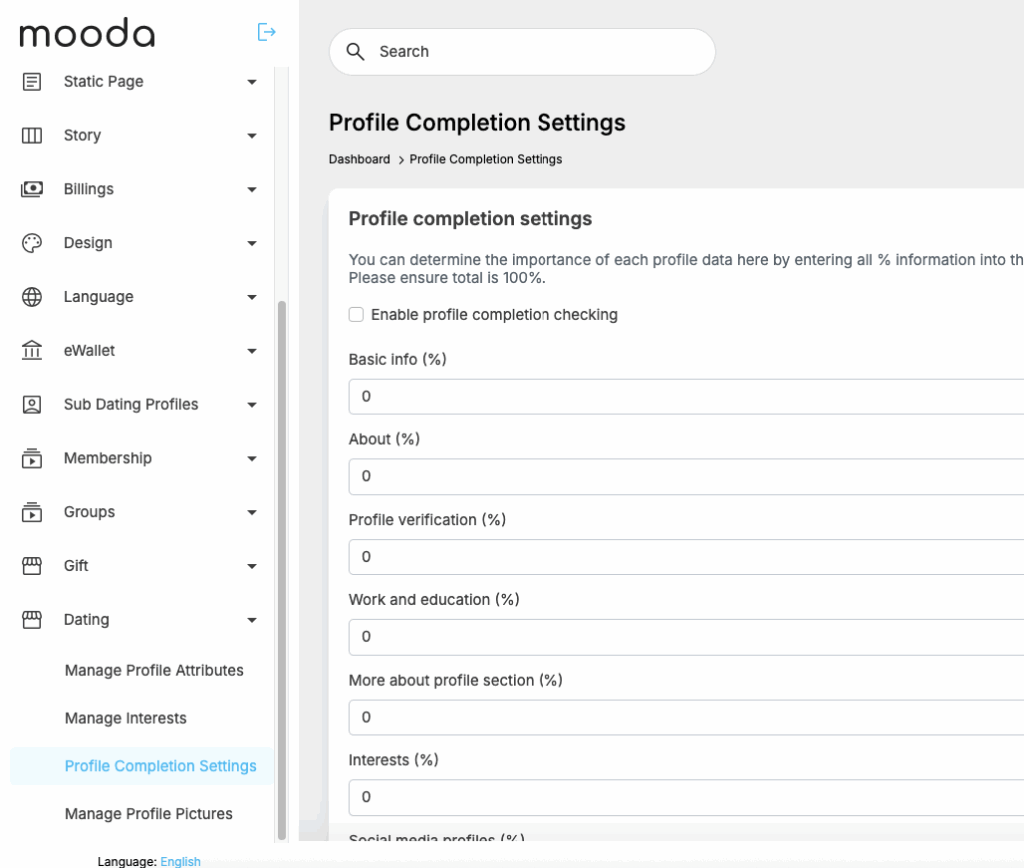
Fill in the % for each profile section and tick the check box “Enable profile completion checking”. Then at front end member will see info like below screenshot