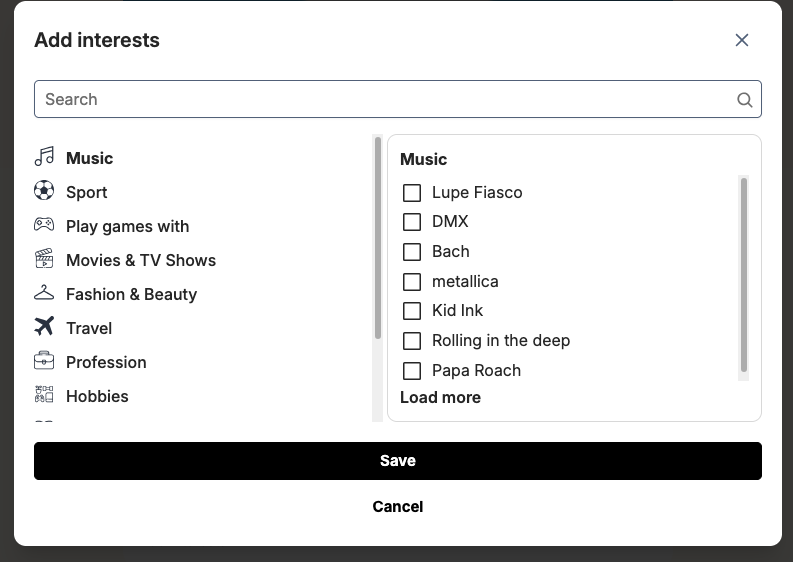
The Manage Interests section allows administrators to create and organize interest categories that members can use to showcase their hobbies and preferences—such as music, sports, travel, and more.
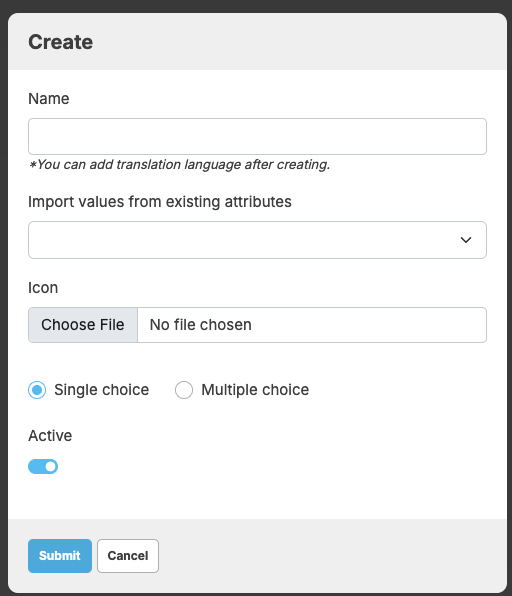
Each interest category can be configured as either a single-choice or multiple-choice field, giving you flexibility in how users express their interests. Within each category, you can define a list of values that members can select from when completing their profiles.
By structuring interests in this way, you make profiles more engaging and help the platform deliver better matches based on shared hobbies and lifestyle preferences
To manage Interests in admincp please go to Admincp -> Dating -> Manage Interests
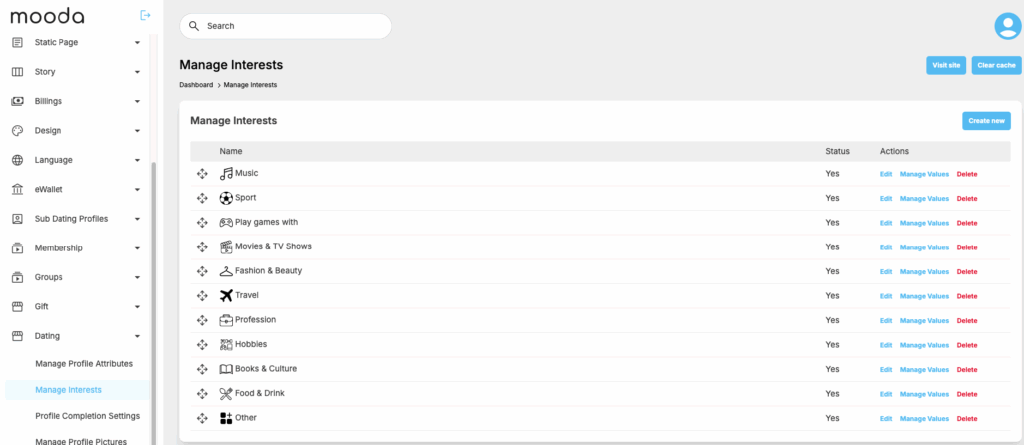
Click on “Create new” to create a new Interest
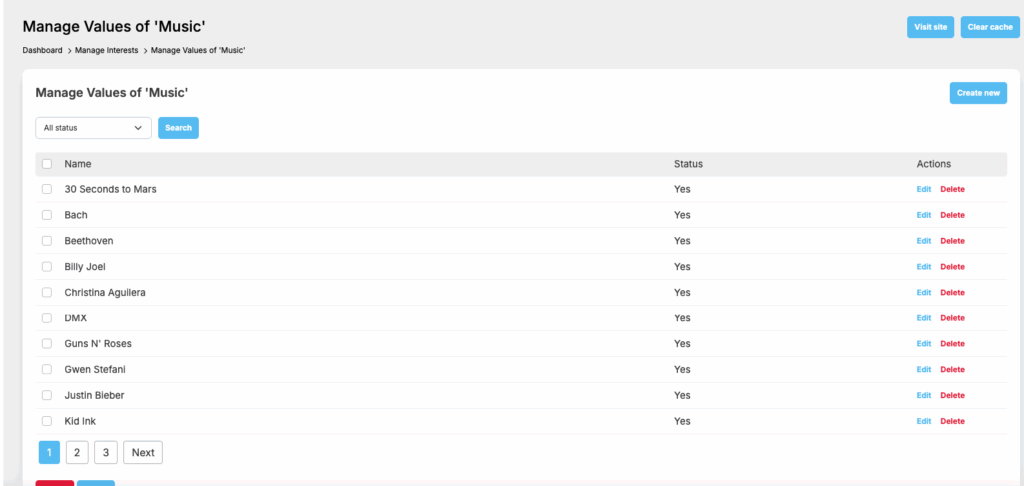
Click on “Manage values” to add date for the Interest that you just added
At front end, all interests that admin define will show for users to update his/her profile