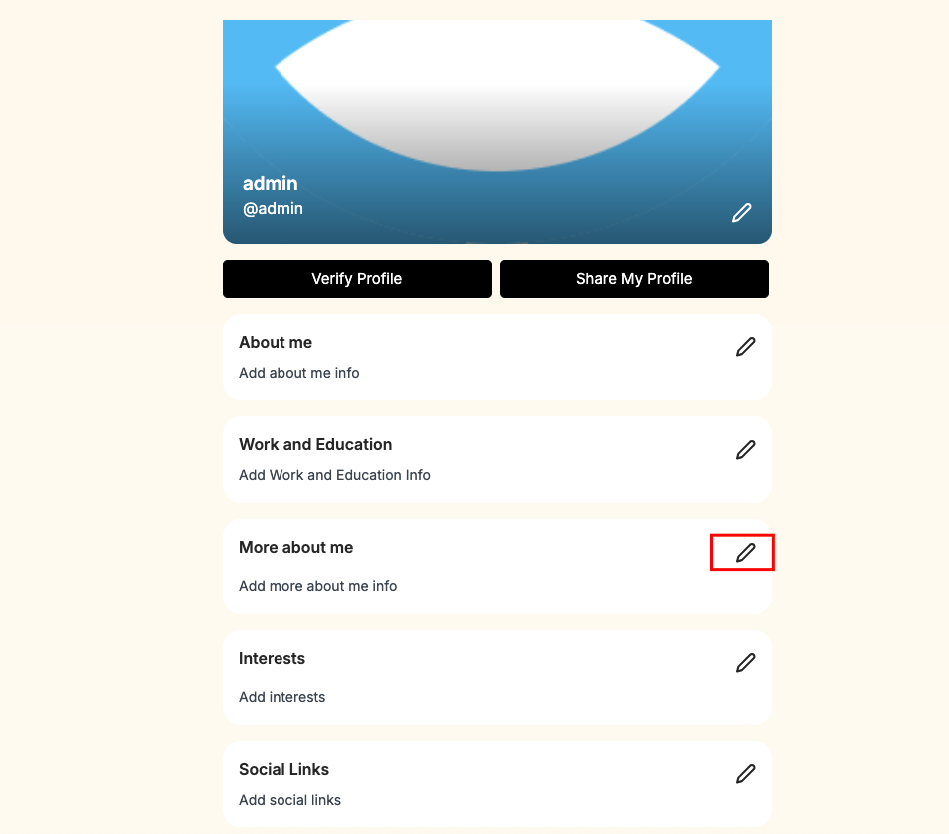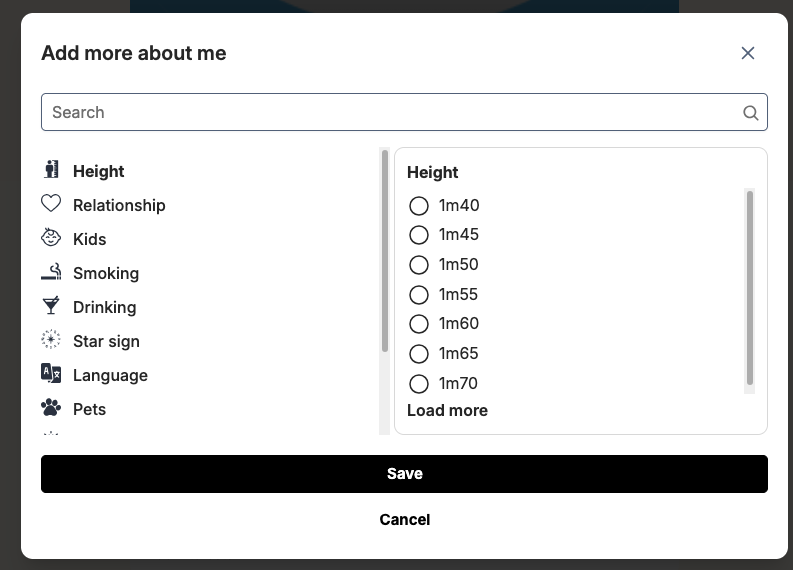
The Manage Attributes section allows administrators to define and customize profile fields that members can use to describe themselves in more detail. You can create attributes such as height, relationship status, children, lifestyle preferences, and more—helping build richer, more meaningful user profiles.
Each attribute can be configured as either a single-choice or multiple-choice field, giving you full flexibility in how users provide their information. For every attribute, you can also add and manage a list of predefined values that members can select when completing their profiles.
This feature ensures consistency in profile data while making it easier for users to express themselves and for the system to deliver more accurate matches.
To manage profile fields in admincp please go to Admincp -> Dating -> Manage profile Attributes
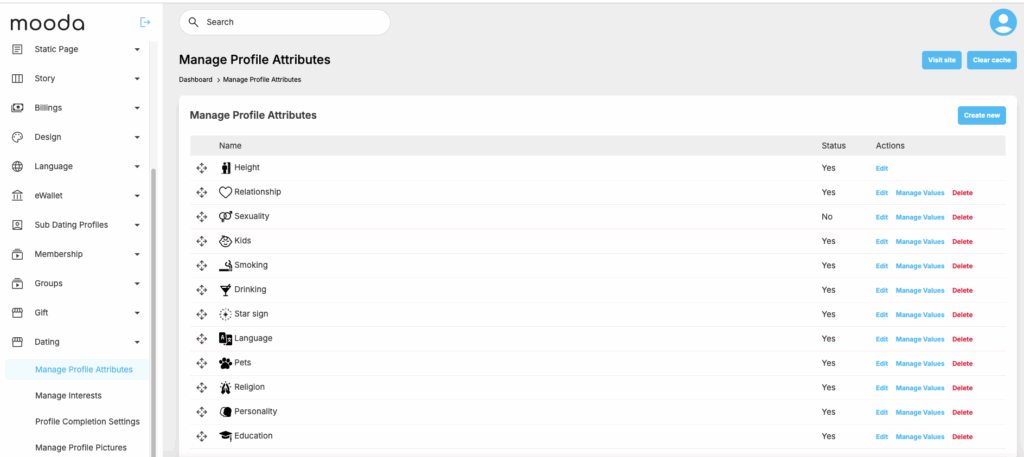
Click on “Create new” to create a new attributes
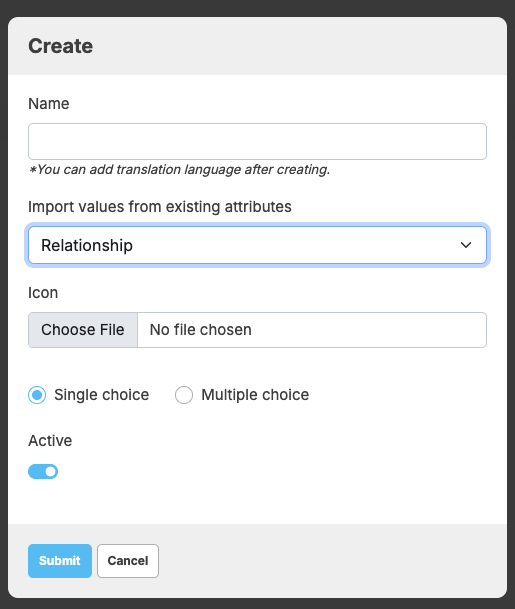
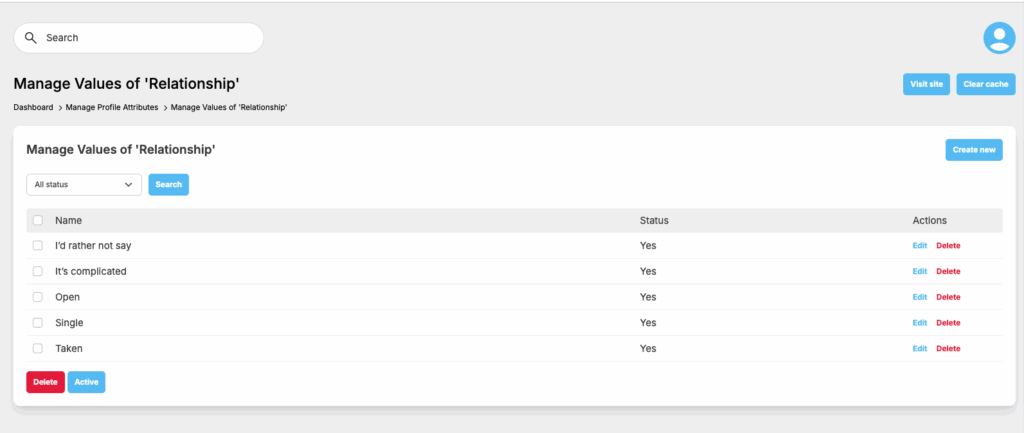
Click on “Manage values” to add date for the attribute that you just added
At front end, all attributes that admin define will show for users to update his/her profile