
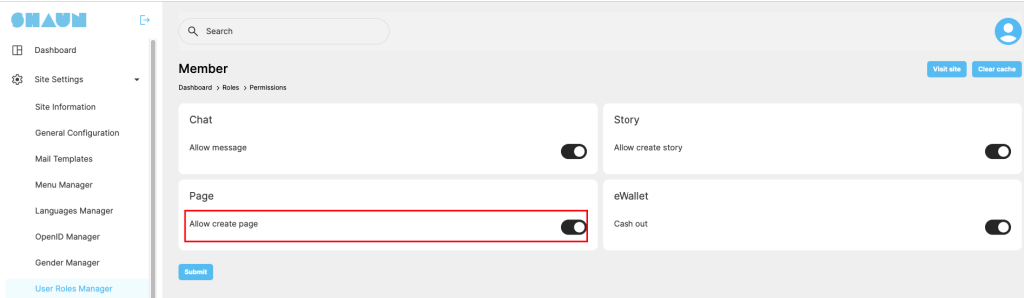
To be able to create a sub-dating profile, you need to have permission “Create a page” that is setup by admin in admin panel -> Roles settings
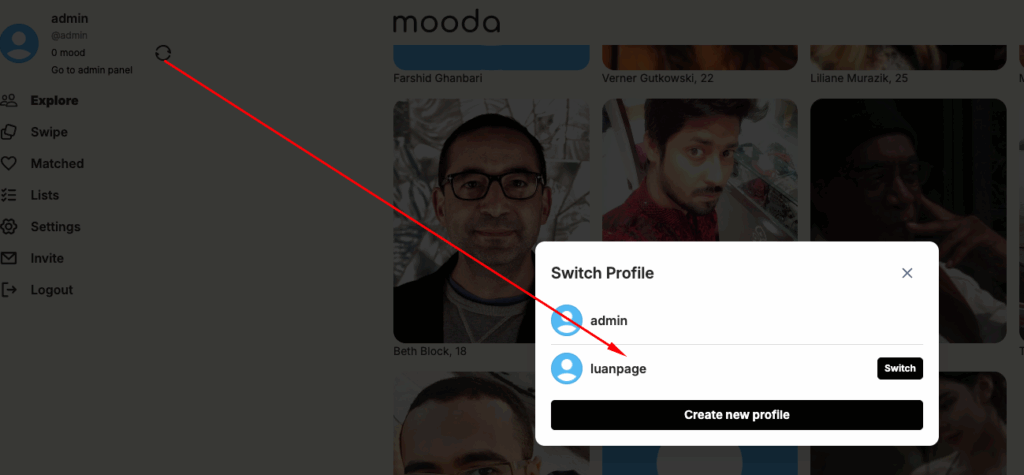
Go to pages menu at main navigation bar -> Click on “Create new profile”
Fill in all required fields in the “create new page” form below. The categories can be added multiple. The hashtags will link with the global hashtags of the system. It’s keyword to allow system to suggest your page with people who are following the same hashtags.
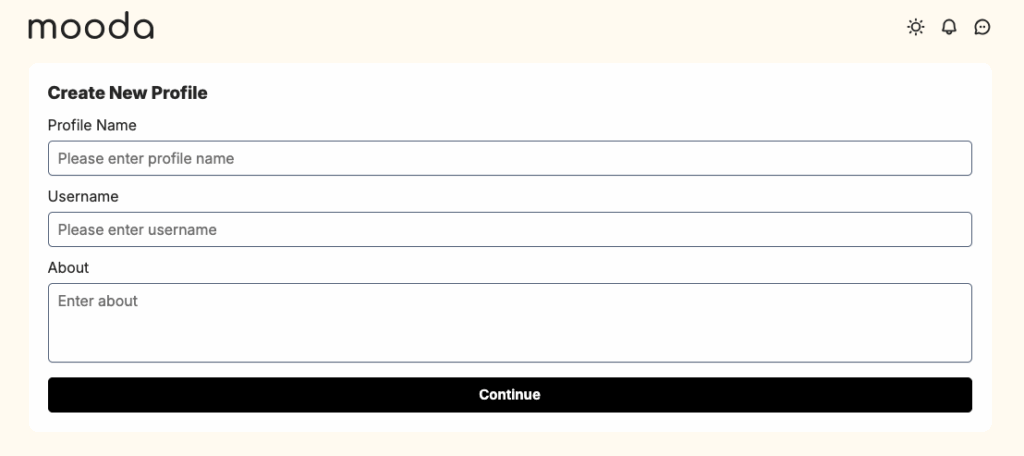
Click on ‘Continue” to create the page. You then can switch to your sub-profile to start adding more info into it.
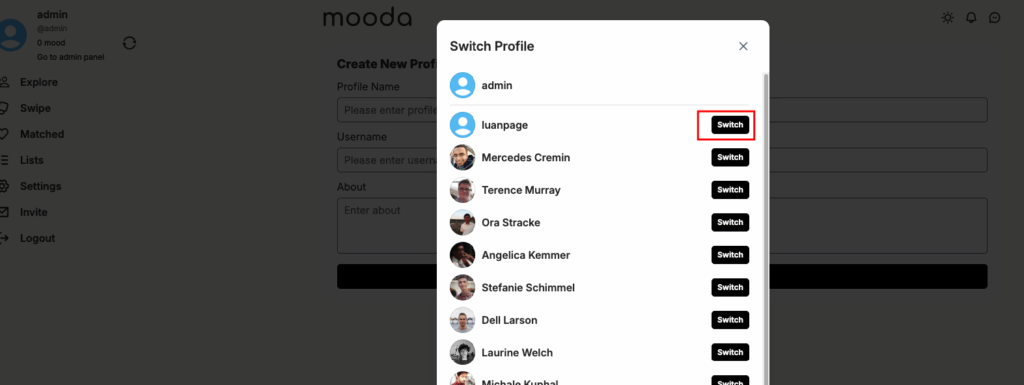
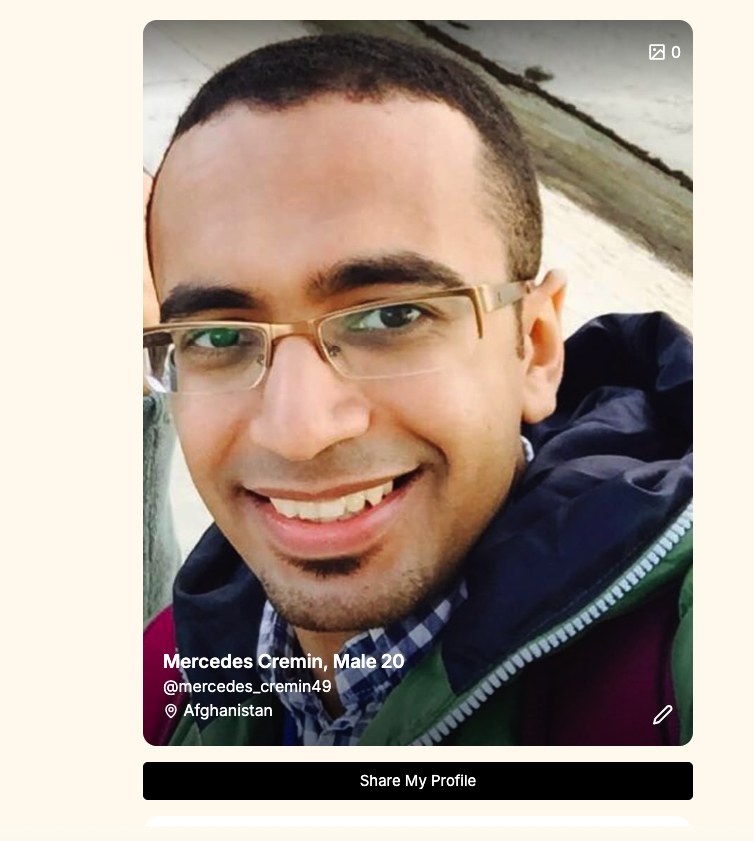
After switched to your page, you will see the profile in edit mode like below screenshot
Verify profile: click on it if you want to add “blue checkmark” for your page. See more details here


